 macOS 15+ · Apple Silicon
Welcome to Saga
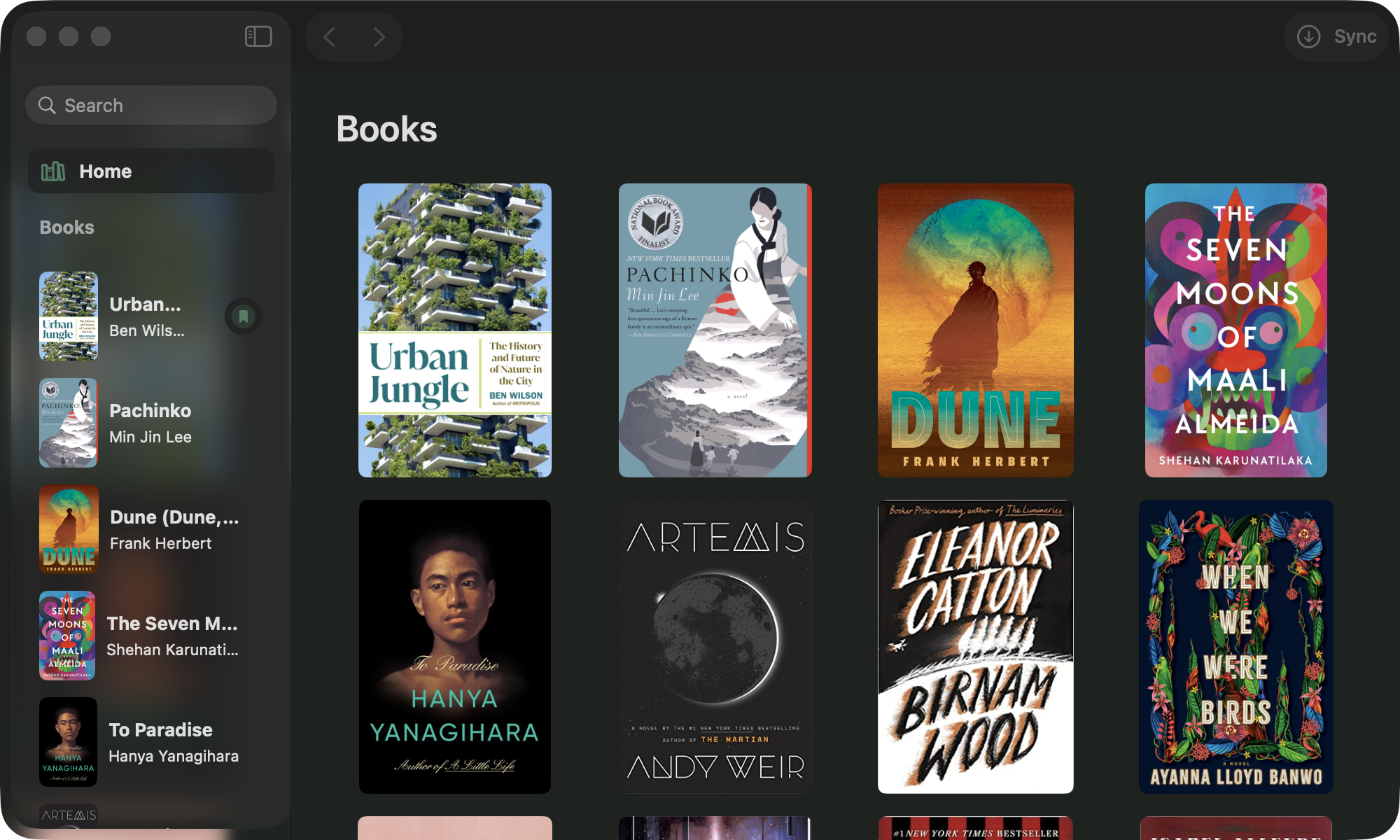
Your personal reading log for macOS and iOS — track books, reading status, star ratings, and notes synced with Contentful and Goodreads.
Download for macOS (v1.4.1)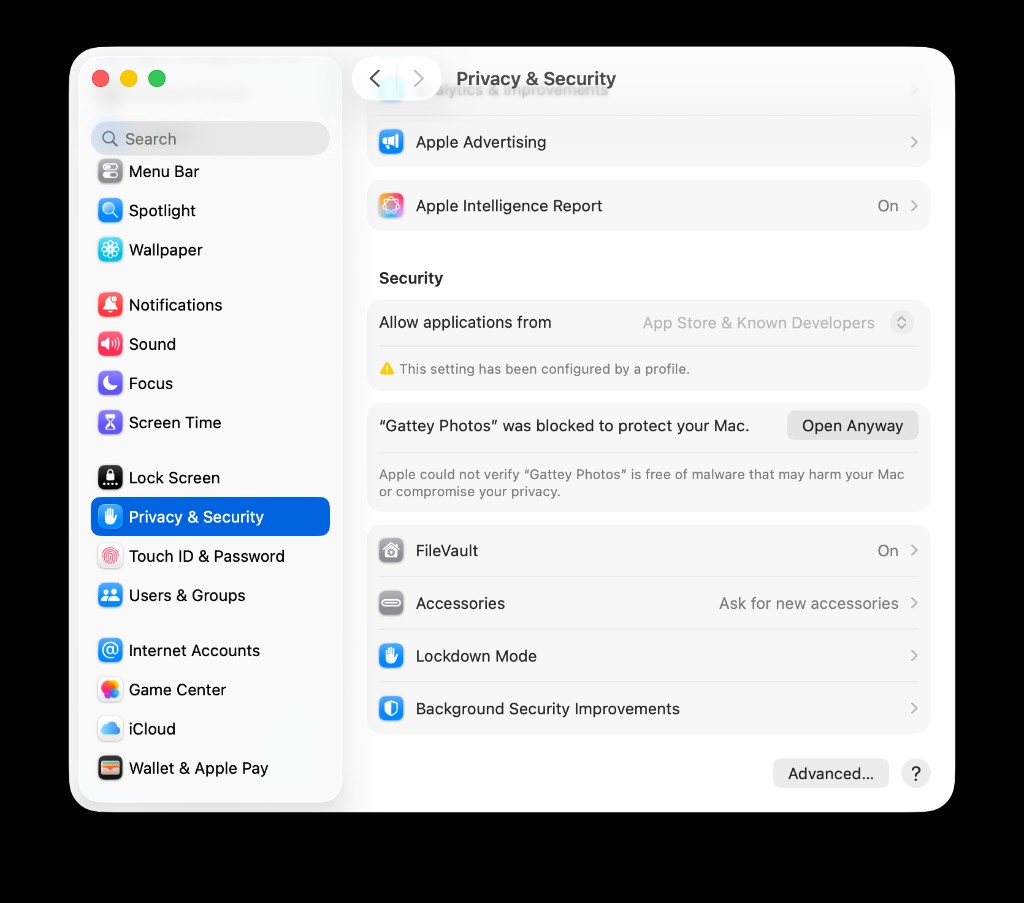
Open Anyway appears after you try to launch the app once.
First time on this Mac? macOS may block the app
After you download and try to open Saga once, approve it in System Settings.
- Try opening Saga from Applications so macOS records the block.
- Open System Settings → Privacy & Security.
- Under Security, click Open Anyway next to the Saga message.
- Open the app again.
On an MDM-managed Mac where Open Anyway is disabled by device policy, clear the download quarantine attribute in Terminal:
xattr -cr /Applications/Saga.app